Equipment
Cameras and networking we can design around.
Representative cameras and network equipment, from everyday homes to more demanding layouts. These are examples, not a ranking. A site survey decides the final equipment.
Camera equipment
CCTV and PTZ camera options.
Representative cameras we can design around, from entry-level to premium. These are examples, not a ranking of the best camera overall. Your site survey decides the final equipment.
Fixed cameras
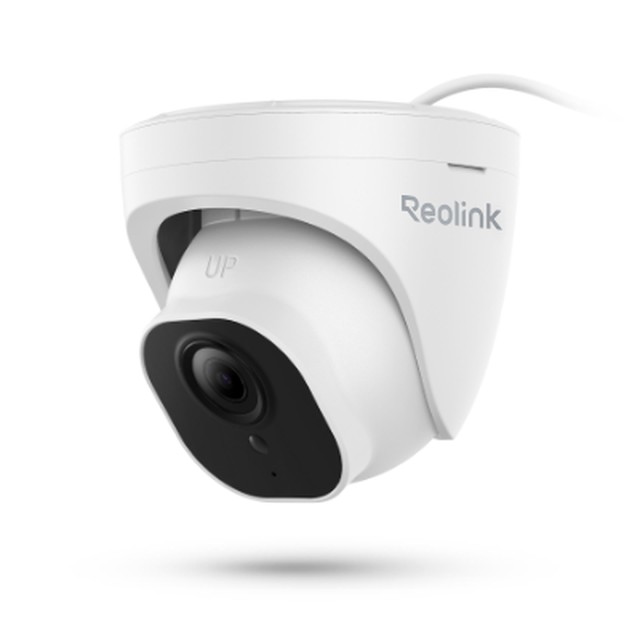
Entry · PoE turretReolink RLC-820A
8MP/4K wired turret camera
Specifications and planning notes
- 4 mm fixed lens; 4K at up to 25 fps
- 30 m (100 ft) infrared night vision
- Person, vehicle and animal detection
- IEEE 802.3af PoE; IP67 weatherproof
Single camera, not a kit. Records to a compatible Reolink NVR or local microSD card; recorder and storage selected separately. Manually aimed turret, not a motorized PTZ.
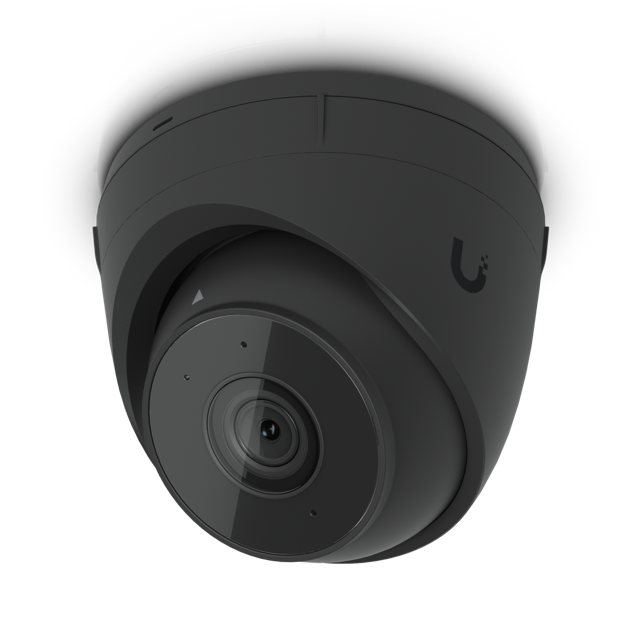
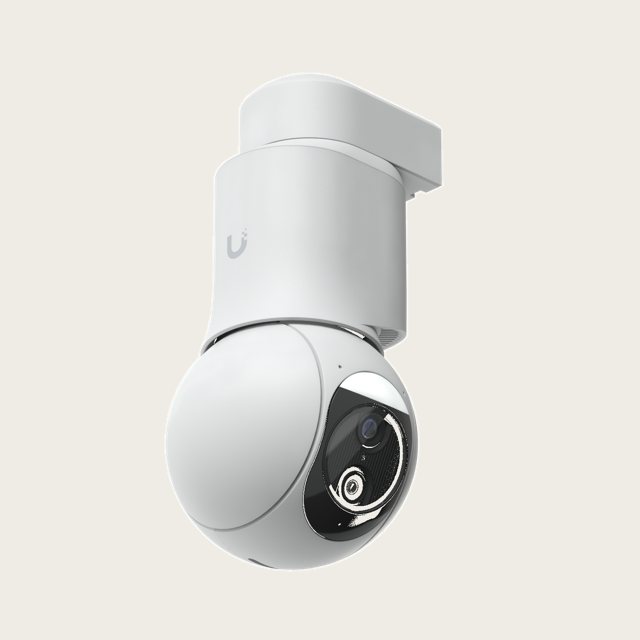
Value · UniFiUniFi G5 Turret Ultra
4MP PoE turret camera
Specifications and planning notes
- 4MP resolution
- 30 m (98 ft) infrared night vision
- IP66 weatherproof, indoor or outdoor
Records through UniFi Protect on a compatible UniFi recorder or console.
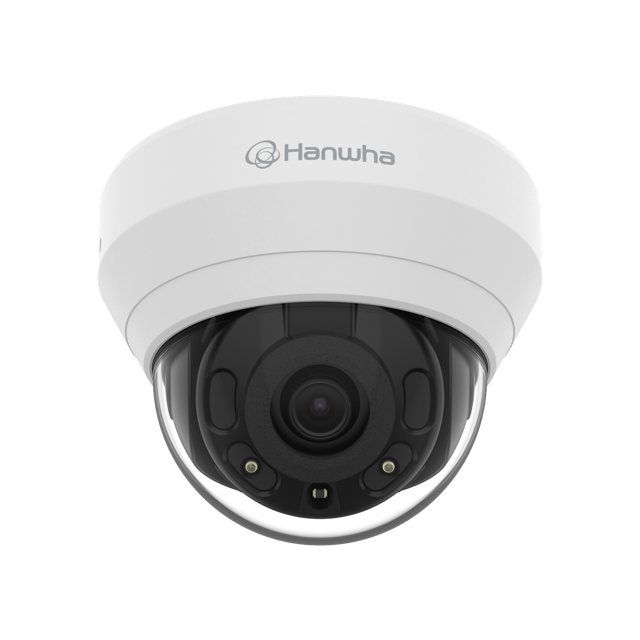
Professional · IndoorHanwha Vision QND-7022R
4MP IR dome camera
Specifications and planning notes
- 4MP PoE, 4 mm fixed lens
- 20 m (66 ft) infrared
- ONVIF Profiles S, G and T
Planned for indoor rooms and hallways; works with a broad range of professional recorders.
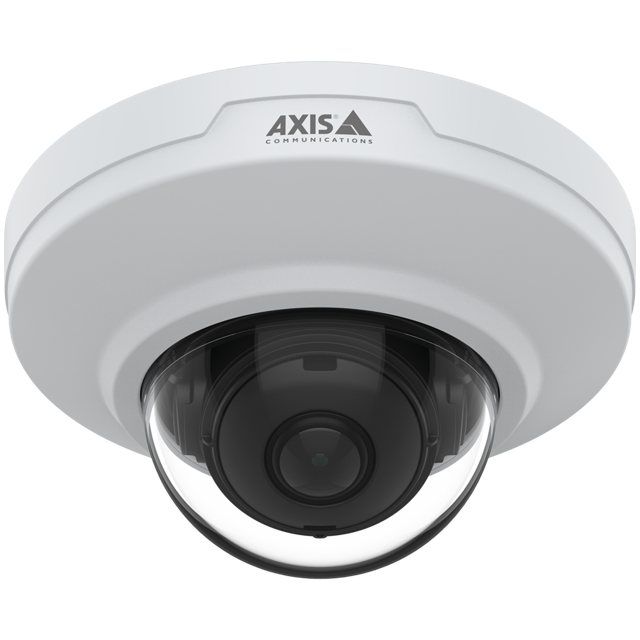
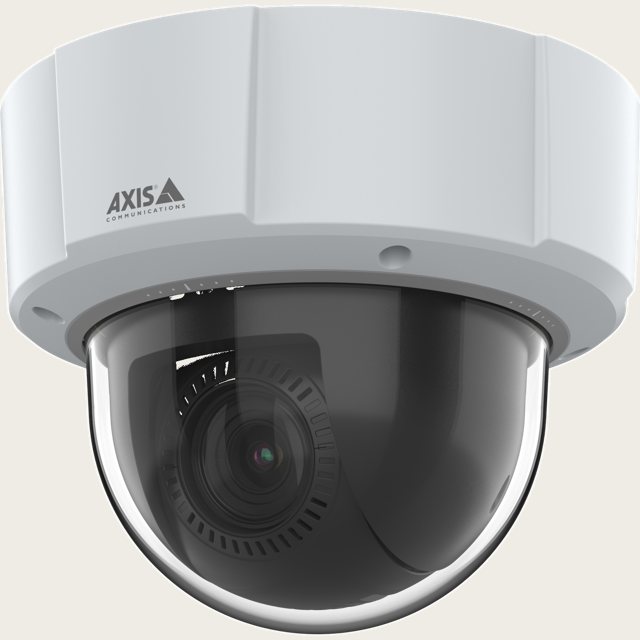
Premium · Indoor onlyAXIS M3086-V
4MP indoor mini dome
Specifications and planning notes
- 2.4 mm lens, 130° horizontal view
- WDR and Lightfinder for difficult light
- On-camera Axis Object Analytics
Indoor only, no built-in infrared. Recorder or video software selected separately.
PTZ cameras (pan, tilt, zoom)
A PTZ camera can look around and zoom in, but it cannot watch every direction at once. True optical zoom keeps detail; digital zoom only enlarges the image.
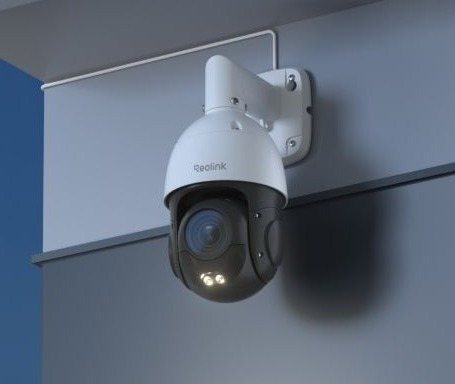
Entry · OutdoorReolink RLC-823S2
4K outdoor PTZ
Specifications and planning notes
- 16× optical zoom
- 80 m (260 ft) infrared, IP66
- Auto tracking
Power: PoE+ (802.3at). Best paired with a Reolink recorder or local microSD storage.
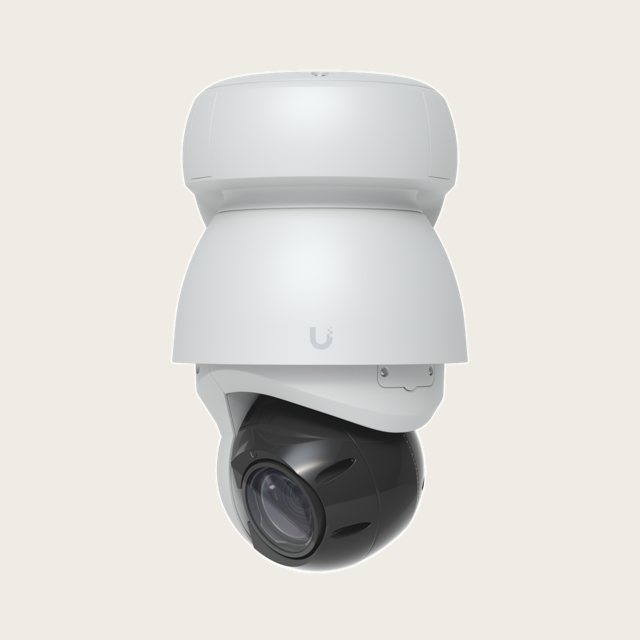
Value · UniFiUniFi G6 PTZ
4K dual-lens PTZ
Specifications and planning notes
- 10× hybrid zoom: 5× optical + 2× digital
- 30 m (98 ft) infrared, IP66
- 350° pan, 100° tilt
Power: PoE+, 24.5 W max. Needs a UniFi Protect recorder or console.
Professional · In/outdoorAXIS M5526-E
4MP compact PTZ dome
Specifications and planning notes
- 10× optical zoom
- IP66 and IK09, Lightfinder 2.0
- 360° continuous pan
Power: PoE Class 3. No built-in infrared and no autotracking listed; recorder selected separately.
Premium · Large propertyUniFi AI PTZ Industrial
4K long-range PTZ
Specifications and planning notes
- 22× optical zoom
- 100 m (328 ft) infrared, IP66
- Automatic person tracking
Power: PoE++, 51 W max, beyond a typical PoE+ switch. Needs a UniFi Protect recorder or console.
Planning notes
Recording and power come first.
- Every system needs a compatible recorder or console and enough storage for the days of video you want to keep.
- PTZ cameras often need PoE+ or PoE++; we confirm switch power before installation.
- Night detail depends on placement and scene lighting, not just the camera.
Product names and photos belong to their manufacturers. Specifications are from manufacturer materials and may change; Lowvolt Electric Inc. is an independent installer.
Connected-home equipment
Wi-Fi and networking, built around your home.
Access points, switches and a gateway work together. Explore UniFi, TP-Link Omada, Zyxel and eero options for your rooms, cameras and smart-home devices.
Wi-Fi access points
An access point adds Wi-Fi coverage; it does not replace your internet router. We plan placement and wired Ethernet backhaul first. These models also support wireless meshing where cabling is impractical, but mesh still needs power and uses wireless capacity.
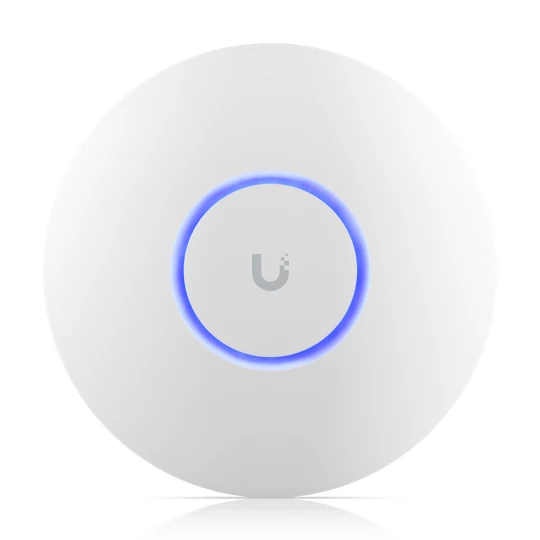
Entry · Indoor Wi-FiUniFi U6+
Dual-band Wi-Fi 6 access point
Specifications and planning notes
- 2.4 GHz and 5 GHz; 2×2 on each band
- 1 GbE wired uplink
- PoE input; 9 W maximum
A compact option for everyday home Wi-Fi. Requires UniFi Network management and a PoE switch or injector.
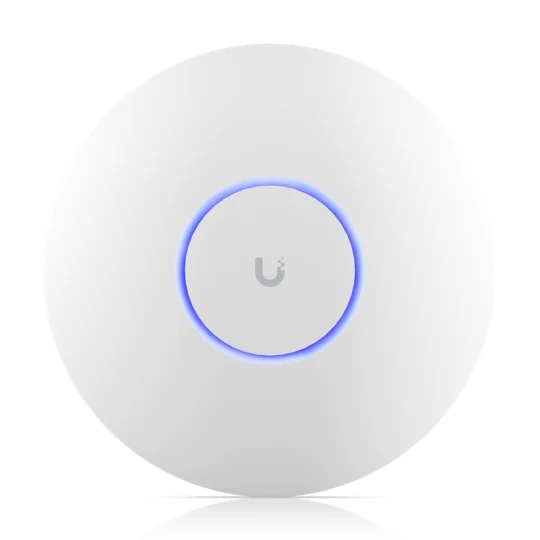
Performance · Indoor Wi-FiUniFi U7 Pro
Tri-band Wi-Fi 7 access point
Specifications and planning notes
- 2.4 GHz, 5 GHz and 6 GHz; 6 spatial streams
- 2.5 GbE wired uplink
- PoE+ input; 21 W maximum
For compatible Wi-Fi 7 and 6 GHz clients. Requires UniFi Network management and suitable PoE+ power.
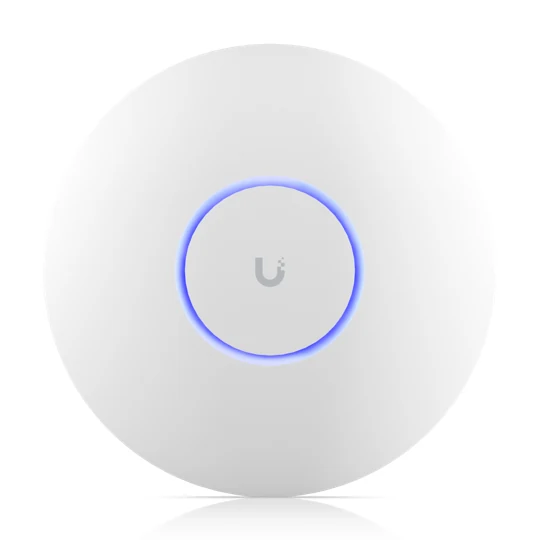
Premium · Indoor Wi-FiUniFi U7 Pro Max
Higher-capacity tri-band Wi-Fi 7
Specifications and planning notes
- 2.4 GHz, 5 GHz and 6 GHz; 8 spatial streams
- 4×4 on 5 GHz; real-time spectral analysis
- 2.5 GbE uplink; PoE+ input; 25 W maximum
A planning option for busier homes, not a guarantee of greater speed on every device. Requires UniFi Network management.
PoE switches and gateway
A switch connects wired devices; a PoE switch also powers compatible cameras and access points. The gateway routes traffic between your home and the internet and hosts UniFi management.
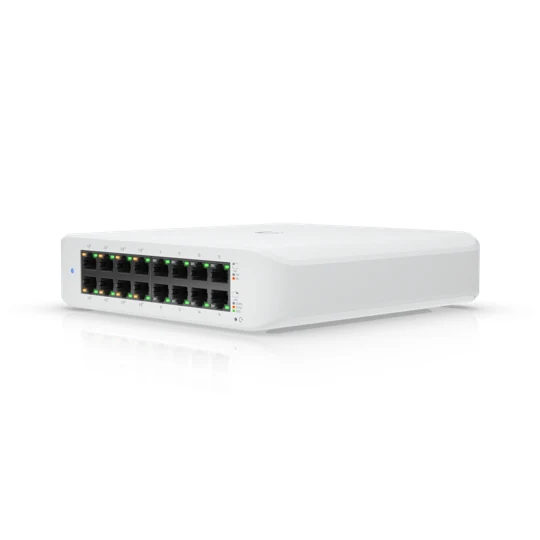
Essential · Managed switchingUniFi Lite 16 PoE
Compact gigabit PoE switch
Specifications and planning notes
- 16 × 1 GbE ports; 8 provide PoE+
- 45 W total shared PoE budget
- VLAN support; AC powered
The 45 W budget is shared, not per port. Eight powered ports cannot all run at their maximum simultaneously. Managed through UniFi Network.
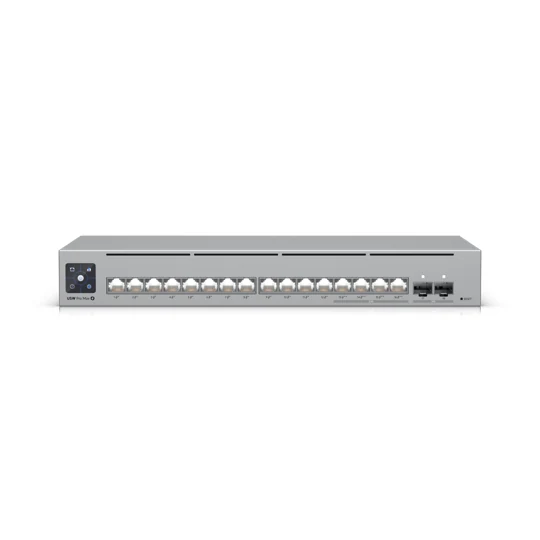
Performance · Managed switchingUniFi Pro Max 16 PoE
Multi-gigabit PoE switch
Specifications and planning notes
- 12 × 1 GbE PoE+ and 4 × 2.5 GbE PoE++
- 2 × 10G SFP+ uplinks; 180 W PoE budget
- VLAN support and Layer 3 switching
Useful for multi-gigabit access points and higher-power cameras. Confirm per-port and total power; managed through UniFi Network.
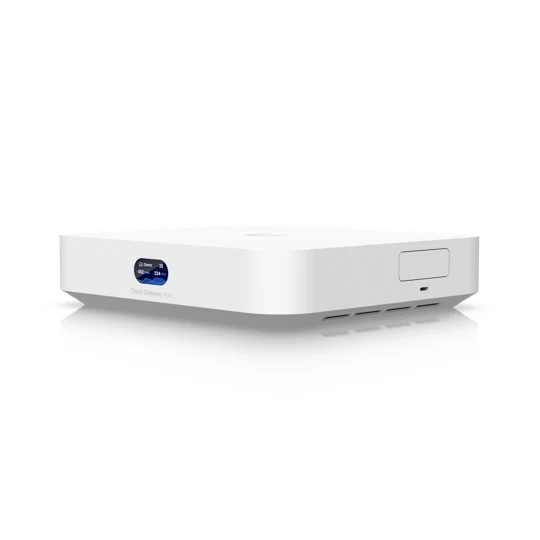
Core · Router and controllerUniFi Cloud Gateway Max
Wired gateway with UniFi applications
Specifications and planning notes
- 5 × 2.5 GbE ports; one WAN by default
- 2.3 Gbps rated IDS/IPS throughput
- Runs UniFi Network and Protect
No built-in Wi-Fi or PoE output. Selectable NVMe storage up to 2 TB: no-storage versions need compatible storage for video recording. USB-C powered.
TP-Link Omada alternatives
Another ecosystem for home offices and small properties: combine Omada access points, managed switches and a wired gateway. These are alternatives to the UniFi options above, not UniFi-managed accessories.
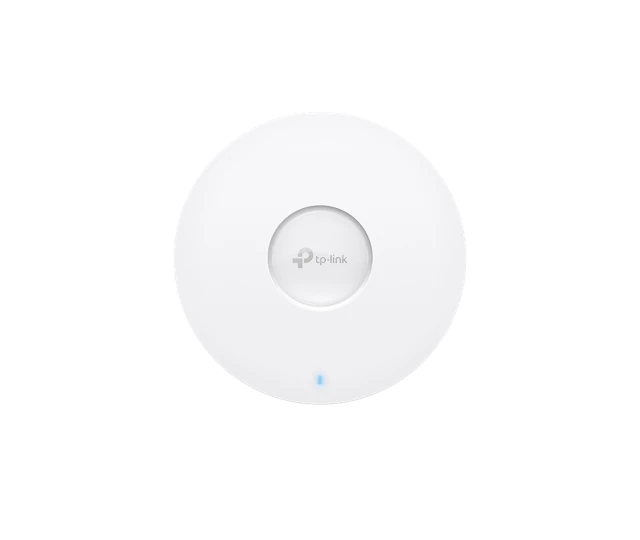
Omada · Indoor access pointTP-Link Omada EAP610
Dual-band Wi-Fi 6
Specifications and planning notes
- 2.4 GHz and 5 GHz; 2×2 on each band
- 1 × gigabit Ethernet uplink
- 802.3at PoE+ input; 11 W maximum via PoE
Standalone web management or Omada controller management. Omada Mesh, fast roaming and cloud access require an Omada controller. Specs shown for V3.
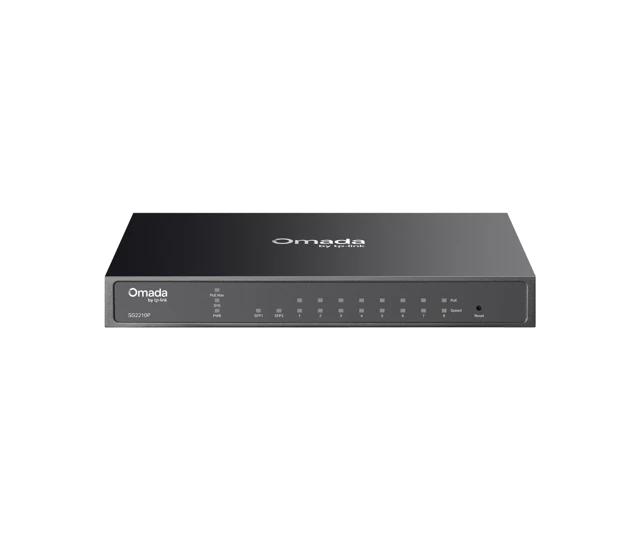
Omada · Managed PoE switchTP-Link Omada SG2210P
Gigabit switching with PoE+
Specifications and planning notes
- 8 × gigabit RJ45 PoE+ ports
- 2 × gigabit SFP uplink slots
- 802.3af/at output; 61 W total PoE budget
- 802.1Q VLAN support; fanless
Up to 30 W per powered port, within the shared budget. Standalone management or Omada controller; cloud/app management needs the controller. Specs shown for V5.30.
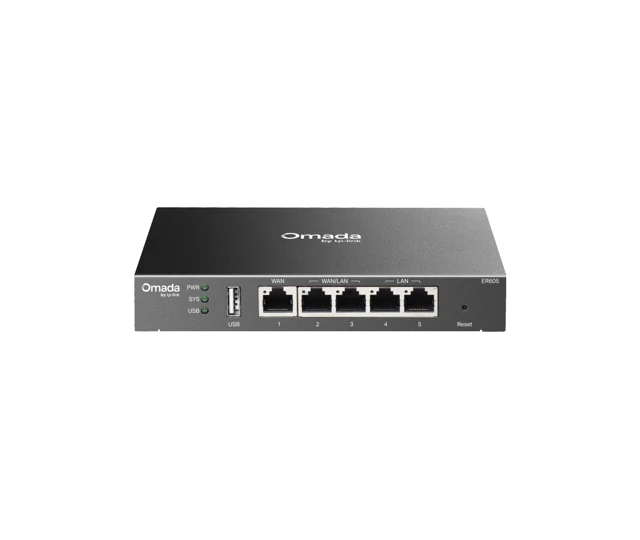
Omada · Wired gatewayTP-Link Omada ER605
Gigabit VPN router
Specifications and planning notes
- 5 × gigabit Ethernet ports
- 1 WAN, 2 WAN/LAN and 2 LAN ports
- 802.1Q VLAN support; external DC power
No built-in Wi-Fi or PoE output. Standalone web management or a separate Omada controller for centralized/cloud management. Not a camera recorder. Specs shown for V2.30.
Zyxel Wi-Fi alternative
A standalone or Nebula-managed access point option for homes and home offices. We select the management approach with you before installation.
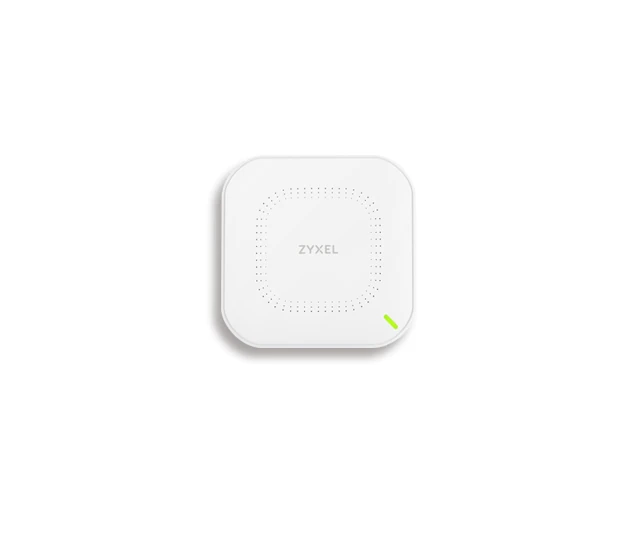
Zyxel · Indoor access pointZyxel NWA50AX
Dual-band Wi-Fi 6 with NebulaFlex
Specifications and planning notes
- 2.4 GHz and 5 GHz; 2×2 on each band
- 1 × gigabit Ethernet uplink
- 802.3at PoE+ input; 16 W power draw
- VLAN support
Choose local standalone web management or Zyxel Nebula cloud management. Managed separately from UniFi and Omada; mesh systems from different ecosystems do not interoperate.
UniFi, Omada and Zyxel Nebula are separate management ecosystems. Wired networking can be designed across brands, but controller adoption, wireless mesh and coordinated roaming are not interchangeable. Prefer wired backhaul where practical. VLAN separation requires compatible switches and router rules, not just an access point setting. All access points shown here are indoor models; internet service, power equipment and any required controller are planned separately. Hardware revisions and regional specifications can differ. Photos and product names belong to their respective manufacturers.
eero home mesh Wi-Fi
A residential mesh-router alternative to ceiling-mounted access points. One gateway eero connects to your modem or ONT; additional eeros extend the network. These tabletop indoor models need outlet power, not PoE.
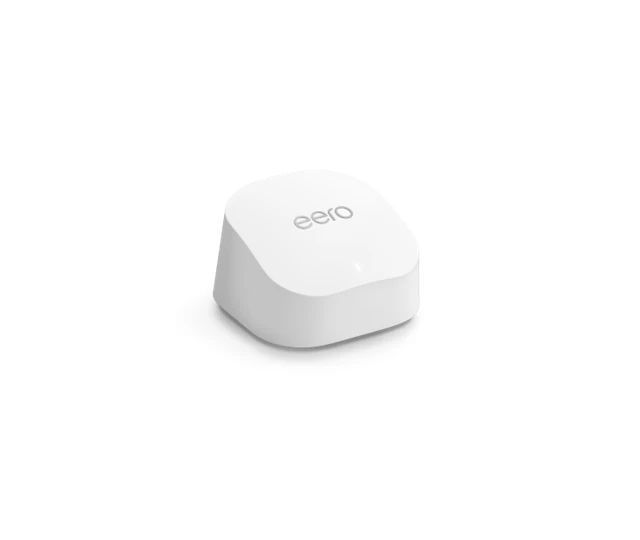
eero · Value mesh Wi-Fieero 6+ router
Dual-band Wi-Fi 6 router
Specifications and planning notes
- 2.4 GHz and 5 GHz Wi-Fi
- 2 × auto-sensing 1 GbE ports
- USB-C power adapter; not PoE powered
Router model with Ethernet ports, not the portless eero 6+ extender. Set up and manage with the eero app; connect additional eeros with Ethernet or wireless backhaul.
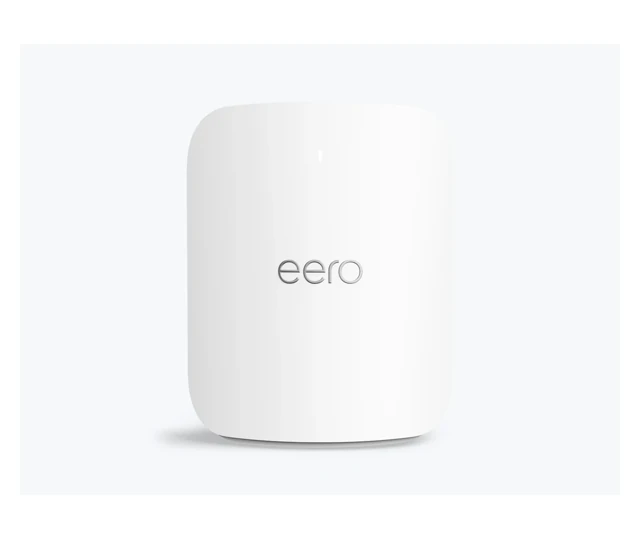
eero · Premium mesh Wi-Fieero Pro 7
Tri-band Wi-Fi 7 router
Specifications and planning notes
- 2.4 GHz, 5 GHz and 6 GHz Wi-Fi
- 2 × auto-sensing 5 GbE ports
- 27 W USB-C power adapter; not PoE powered
Indoor router or additional node on an eero network, managed with the eero app. Supports Ethernet or wireless backhaul; 6 GHz and Wi-Fi 7 features depend on client and regional support.
eero uses the eero app, not UniFi, Omada or Zyxel Nebula management. It is not an interchangeable standalone managed PoE ceiling access point. We prefer Ethernet backhaul where available; wireless backhaul uses radio capacity. Coverage and speed depend on your internet provider, plan, home construction, interference, placement and connected devices. Ethernet port ratings are link capacities, not guaranteed internet speeds. Manufacturer photos and names belong to eero.
Smart-home network planning
Coverage, power and security together.
- We can separate cameras, guests and smart-home devices with VLANs on these managed switches and compatible gateway rules. Separation must be configured; discovery and casting may need selective access.
- PoE port count and total power budget are different. High-power PTZ cameras may require PoE++; the Lite switch only supplies up to PoE+.
- UniFi access points and switches use UniFi Network management. The Cloud Gateway Max hosts it; other deployments need a compatible UniFi console or Network server.
- Recording uses a compatible recorder and storage. Storage capacity and retention are selected for the camera count and recording settings.
6 GHz operation and wide channels depend on local regulations, compatible clients and configuration. Wi-Fi generation and advertised radio rates are not actual device or internet speeds. Walls, interference, cabling, uplinks and your internet plan affect results; this equipment does not include internet service. Manufacturer specifications may change. Product names and photos belong to Ubiquiti; Lowvolt Electric Inc. is an independent installer.